

A B2B website does not need to impress everyone. It needs to help the right buyer understand the offer, trust the business, and take the next step without needing a sales call just to decode the page.
That sounds obvious, but it is where many B2B sites get heavy. They try to explain every capability, every audience, every platform, and every edge case at once. The result is a page that feels complete to the company and confusing to the visitor.
An effective B2B website is simpler than that. It knows who it is for. It names the problem clearly. It shows proof. It gives buyers a reason to move forward now.
Start With the Buyer
Before changing a layout or adding more sections, write down the buyer you want the page to serve. Not “companies” or “decision makers.” Be specific enough that the content can make a choice.
For example:
- A local manufacturer that needs better quote requests
- A service firm selling retainers to operations teams
- A software company trying to turn demo traffic into qualified calls
Once the buyer is clear, the page can stop talking in circles. Headlines become sharper. CTAs become more useful. Proof can be selected for the audience instead of being scattered around the page.
Name the Problem Before the Solution
Visitors should be able to answer this within a few seconds: “Is this for my problem?”
That means the top of the page should not only describe the service. It should describe the situation the buyer is already in. A good B2B page connects the service to the business pressure behind it: missed leads, manual work, slow internal approvals, confusing pricing, or poor visibility into results.
Then the solution can be direct. Explain what changes, what the buyer gets, and what happens after they reach out.
Use Proof Where Doubt Appears
Proof works best when it answers the question a buyer is already asking.
If the buyer wonders whether you understand their industry, show a relevant case example. If they wonder whether the work is reliable, show process, support, and maintenance details. If they wonder whether the investment is worth it, show outcomes, before-and-after context, or a short explanation of how the work reduces risk.
Useful proof can include:
- Testimonials from similar customers
- Project snapshots with the problem and result
- Certifications, partnerships, or awards
- Performance numbers, launch outcomes, or support metrics
- Screenshots of real work, not generic decorative panels
The goal is not to decorate the page with credibility. The goal is to place credibility beside the decision it supports.
Make Lead Generation Feel Like Help
A B2B website can collect leads without turning every screen into a form. The best lead paths are useful in themselves.
That might be a quote request form with clear expectations, a short discovery call, a downloadable checklist, a newsletter for buyers who are still researching, or a service page CTA that explains what happens next.
The important part is the trade: the visitor gives attention or contact information, and the site gives clarity back.
Keep UX Boring in the Best Way
B2B buyers are often comparing options, forwarding links, or checking details between meetings. The site should make that easy.
Use plain navigation labels. Keep CTAs consistent. Avoid hiding key service details behind animations or vague section names. Make sure the site works on a phone, loads quickly, and gives the same core message on every page.
Good B2B UX is not about being quiet. It is about removing friction from the decision.
B2B Website Effectiveness Checklist
Use this pass before a redesign or content rewrite:
- The hero says who the offer is for and what outcome it helps create.
- The page names the buyer’s problem in language they would actually use.
- Every service claim is backed by proof, process, or an example.
- CTAs explain what the visitor gets after clicking.
- Navigation labels are direct and predictable.
- Forms are short enough to finish and clear enough to trust.
- The site loads fast on mobile and does not depend on fragile visual effects.
- The next step is visible near the top, middle, and end of the page.
The Webdevful Take
A more effective B2B website is usually not a louder website. It is a clearer one.
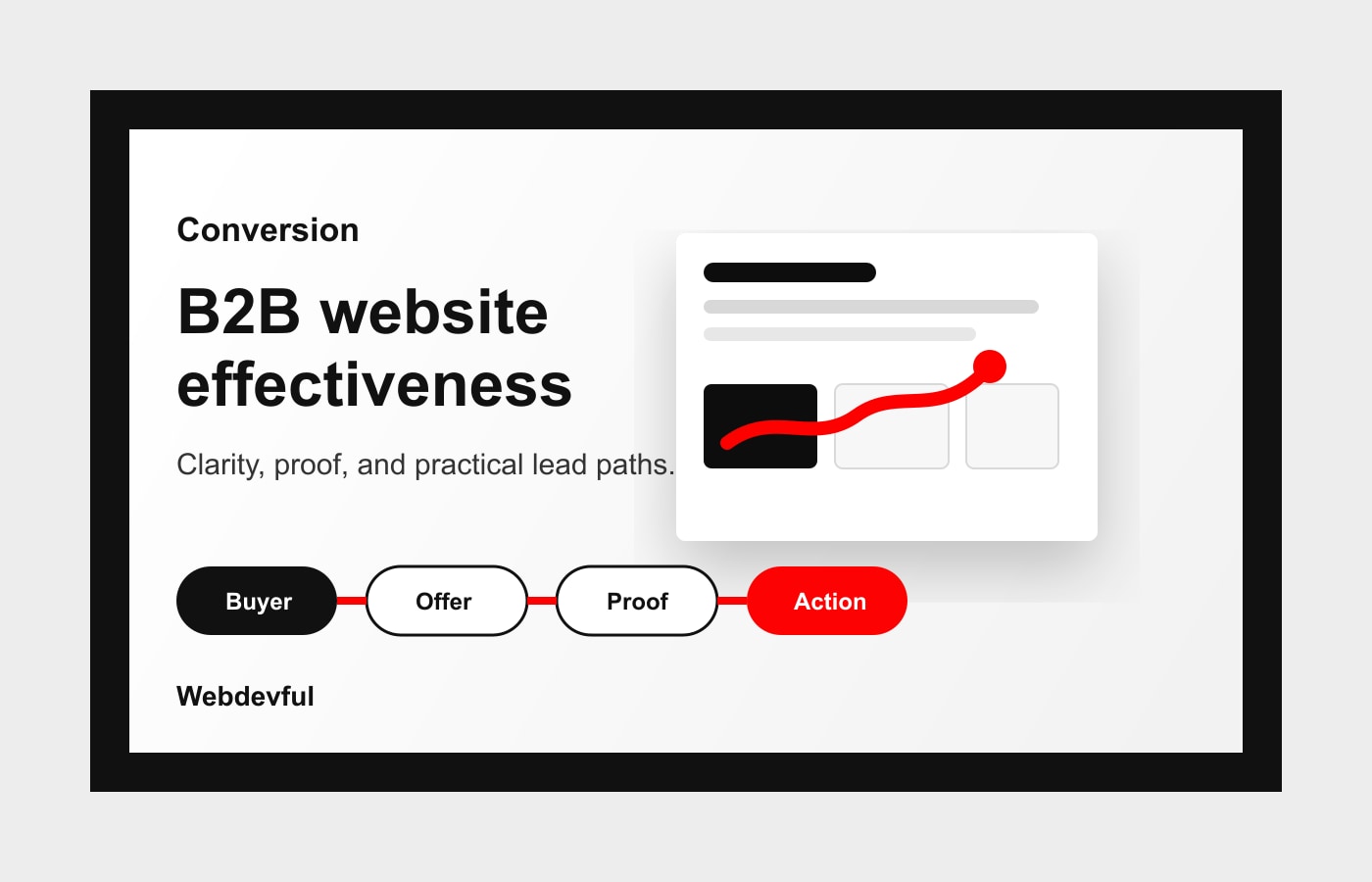
Start with the buyer. Make the problem obvious. Use proof where doubt appears. Give visitors a practical next step. Then let the design support those decisions instead of trying to solve the strategy after the fact.
If your B2B website is getting traffic but not enough qualified action, the first fix is often a page-by-page clarity pass: message, proof, CTA, speed, and support.
Deep resource
Knowledge Center Assets
B2B Website Effectiveness Review
- Make the ideal buyer and business problem visible near the top of the page.
- Explain the offer in plain language before asking for a meeting or form submission.
- Place proof next to major decisions, not only in a separate testimonial section.
- Give buyers more than one sensible next step based on readiness level.
- Review page copy for scanability, accessibility, and helpful detail.
Research And Further Reading
- Google Search Central: Creating Helpful, Reliable, People-First ContentAuthority reference
Frames content quality around original value, expertise, clarity, and usefulness rather than surface-level SEO tactics.
- W3C WAI: Tips for Writing Accessible ContentAccessibility reference
Helps turn web-writing advice into content that is clearer, easier to scan, and more usable for more visitors.
- Google Search Central: Page ExperienceAuthority reference
Supports the relationship between usable pages, mobile comfort, performance, and search-facing quality signals.